Tell it once. Every model picks up from there.
Ctxlayer is one chat app for all the AI assistants and bots you use. Every conversation is kept in one shared context store. When you switch models, the next one picks up from a summary of the thread plus what is new, instead of a blank page.
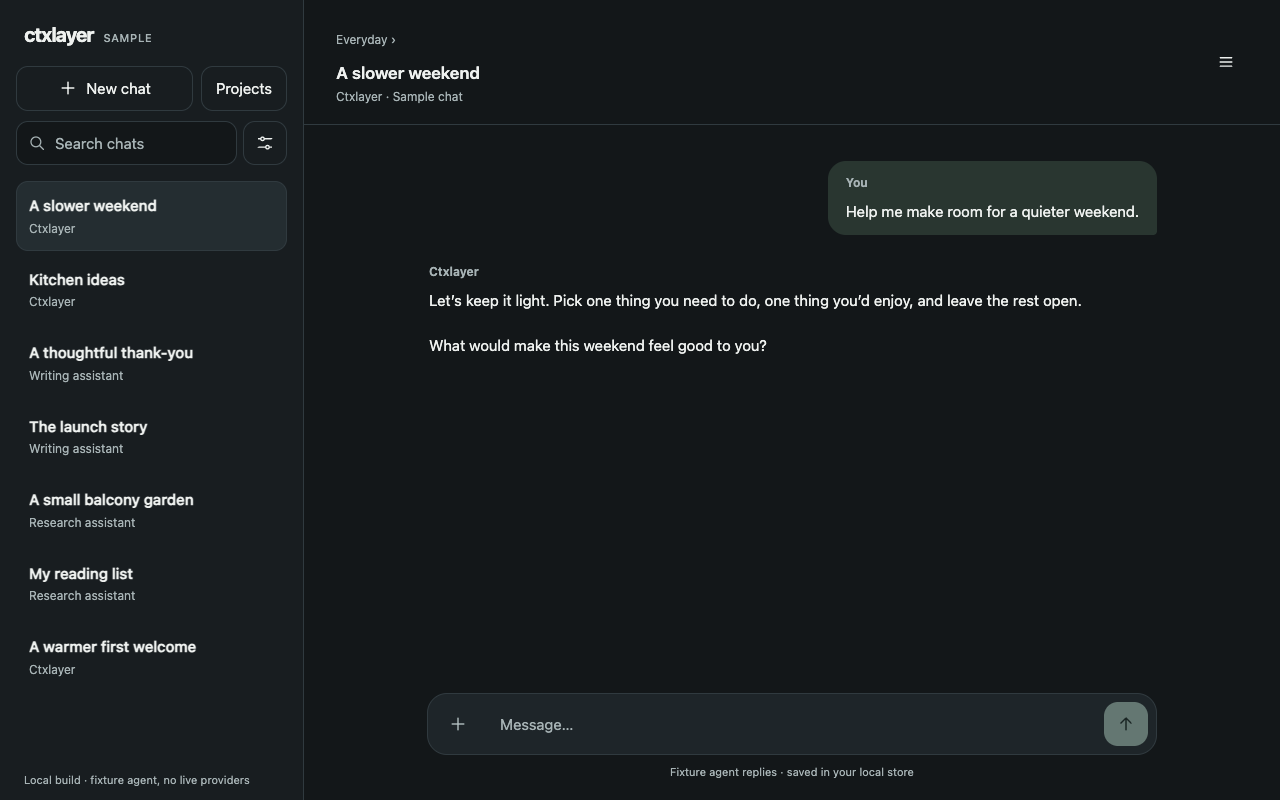
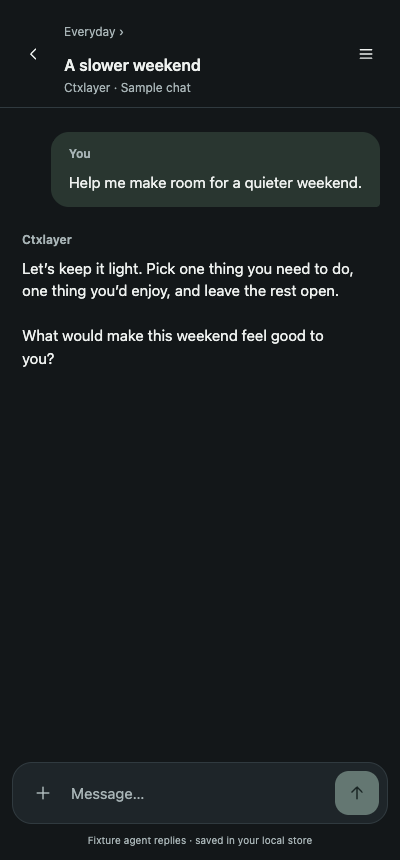
Every bot starts from zero
Most people now use more than one AI. Each one lives in its own app, with its own history, and none of them know what you told the others. So you repeat yourself. You copy answers between windows. You re-explain the project, your preferences, and the decision you made three days ago. And when you keep one long conversation going to avoid all that, the model re-reads more of it on every turn, in time and in tokens.
One conversation, kept in one place
Ctxlayer changes where the conversation lives. It lives in one shared store, not inside any single model's app.
Chat in one app.
Open one chat app and talk to the AI assistants and bots you use, in threads that stay where you left them.
Pick a model per thread, switch any time.
Each thread connects to the model families you use. Start with one model, then switch to another in the same thread. The conversation continues, because the context does not live inside either model's app.
Everything is written to one store first.
Every message lands in a single shared context store that belongs to you, before any model reads it.
Each model reads the summary, then what is new.
When a model joins a thread or returns to it, it receives a rolling summary of the conversation plus only the messages it has not seen yet. We keep track of what each model has already seen. No full replay of the history, and no blank page.
Three ways to connect, clearly labelled
Direct.
Connect with your own API key, straight to the provider. Direct connections cover the major model families, including OpenAI, Anthropic, Google, xAI, Mistral, DeepSeek and Cohere. The provider bills your own account, at its rates. The full privacy policy explains how your keys are kept.
Relay.
Some assistants cannot be connected directly, because the service behind them offers no route in for an outside app. Those connections are relayed through Ctxlayer, which means your messages pass through our systems on the way to the assistant. Relay connections are labelled Relay wherever they appear in the app, and they can also reach further model families through aggregator services such as OpenRouter. A relayed connection is never dressed up as a direct one.
Local.
Run models on your own machine and connect them locally, through tools such as Ollama or a compatible local endpoint. Local connections need no API key, and the model runs on your hardware, under your control.
One context, every screen
iPhone and iPad
Download on theApp StoreAndroid
Get it onGoogle PlayWeb
Open the web appMac
ComingPC (Windows)
ComingFor people who run more than one AI
Ctxlayer is for people who work with several AI assistants and bots in the same week: writers, builders, researchers and anyone tired of being the courier between their own tools. If you have ever pasted the same briefing into three different chat windows, this is built for you.
FAQ
Is my data used for training?
Ctxlayer does not use your conversations to train models. When you send a message, Ctxlayer passes the model you selected a rolling summary of the thread plus the messages that are new to it. That provider receives this content, so read its data terms before you connect it.
Do I need API keys?
For direct connections, yes, and it is simpler than it sounds. You get a key from the provider, paste it into Ctxlayer, and the provider bills your own account at its rates. We do not sell API access to those models and we do not mark up your usage. Local models need no key at all.
Which models can I connect?
Direct connections cover OpenAI, Anthropic, Google, xAI, Mistral, DeepSeek and Cohere. Llama models connect through relay hosts or run locally on your own machine, and aggregator connections reach further model families.
Can Ctxlayer plug in my existing subscriptions or custom bots?
Not directly, and we will not pretend otherwise. Assistants that live only inside a subscription service, such as custom GPTs or saved projects in a provider's own app, offer no route for an outside app to connect. What does work is rebuilding that assistant inside Ctxlayer, with its instructions and files, on a model you connect yourself.
Who owns my conversation history?
You do. Your context store belongs to you. Export it whenever you like, in a readable format. Delete threads, clear the store, or delete your account from inside the app. No lock-in, by design.
How do I get started?
Open Ctxlayer, connect the models you use with your own API keys or a local endpoint, and start a thread. Your context store is created with your account, and every conversation you have from there lives in it.
Tell it once.
One chat app. One shared context. Every model you use, picking up where the last one left off.